
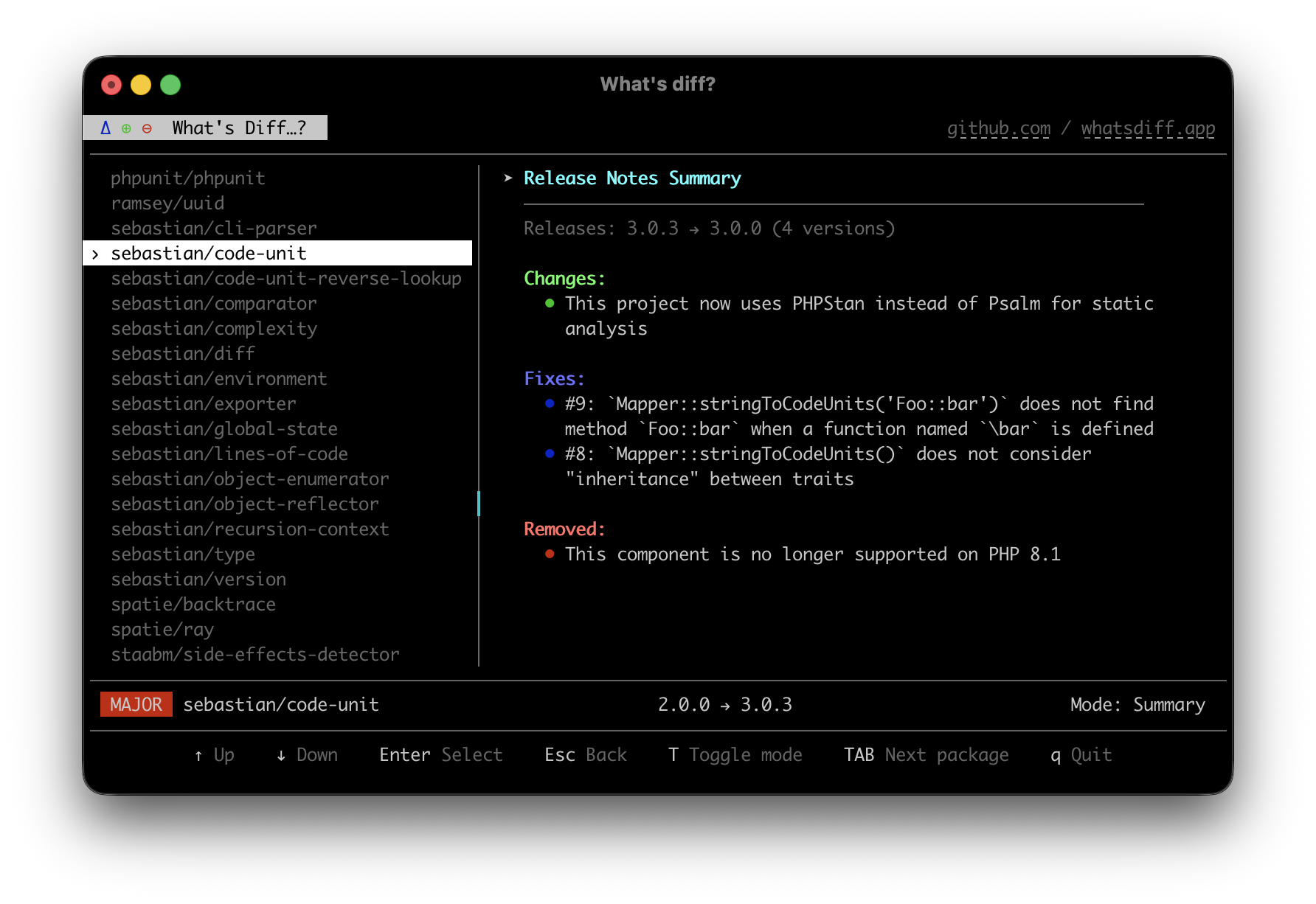
tui does what analyse does, but in an interactive terminal interface: move through the dependency changes and open the changelog for any updated package without leaving the view.
Usage
bash
whatsdiff tui
It accepts the same options as analyse, so you can scope it to a revision range or a single ecosystem:
bash
whatsdiff tui --from=v1.0.0 --to=HEAD
whatsdiff tui --include=composer
What you can do
- Browse every dependency change in the comparison
- Read the release notes for any updated package inline
Reach for it when analyse shows more changes than you can take in at once, and you want to read the changelogs without running changelog package by package.