
analyse compares two states of your lock files and reports which packages were added, removed, updated, or downgraded. By default it compares your working tree against the previous commit, so running it right after composer update shows you exactly what the update brought in.
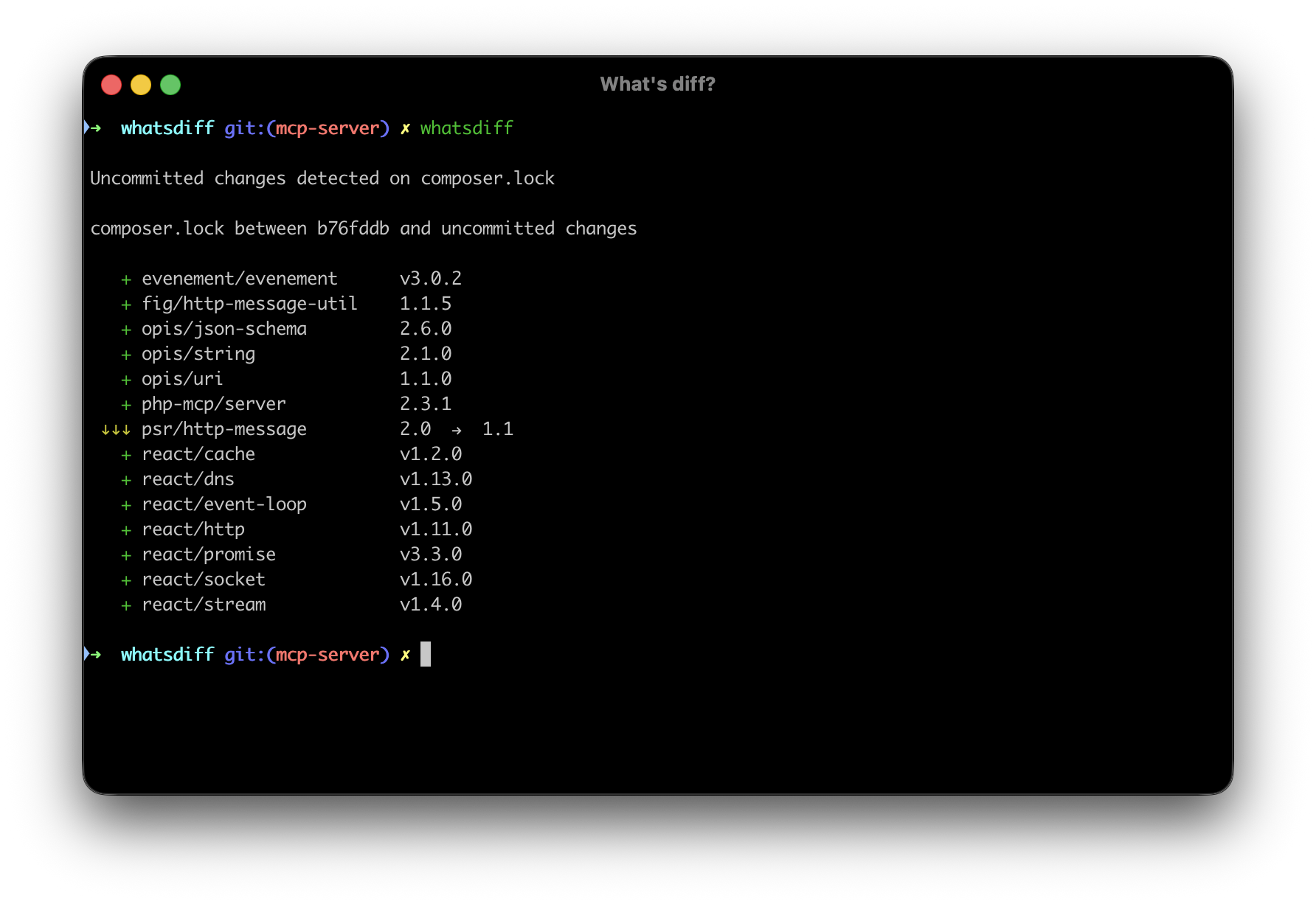
whatsdiff analyse
composer.lock changes

  ↑↑ laravel/framework         v11.0.0  →  v11.1.0   (2 releases)
   ↑ guzzlehttp/guzzle         7.8.0    →  7.8.1     (1 release)
   ↑ symfony/http-kernel       v6.4.0   →  v6.4.1    (1 release)
   + symfony/console           ^6.4
   + symfony/process           ^6.4
   × deprecated/package        ^1.0
Both composer.lock and package-lock.json are analysed automatically when present.
Options
| Option | Description |
|---|---|
--from |
Commit, branch, or tag to compare from |
--to |
Commit, branch, or tag to compare to (defaults to HEAD) |
--ignore-last |
Ignore uncommitted changes and compare the last two commits |
-f, --format |
Output format: text (default), json, or markdown |
--no-progress |
Hide the progress bar, useful in CI |
--include |
Only these package managers (comma-separated: composer, npmjs) |
--exclude |
Everything but these package managers |
--no-cache |
Bypass the cache and fetch fresh data |
--ignore-last cannot be combined with --from or --to, and --include cannot be combined with --exclude.
Comparing other revisions
Pass any commit, branch, or tag to --from and --to:
whatsdiff analyse --from=abc123 --to=def456
whatsdiff analyse --from=main --to=develop
whatsdiff analyse --from=v1.0.0 --to=HEAD
To skip your uncommitted lock file changes and diff the last two commits instead:
whatsdiff analyse --ignore-last
Scoping to one ecosystem
whatsdiff analyse --include=composer
whatsdiff analyse --include=npmjs
Other output formats
JSON, for scripts and pipelines:
whatsdiff analyse --format=json --no-progress
Markdown, for a pull request description:
whatsdiff analyse --format=markdown > dependency-changes.md
Reviewing before you commit
Chain it onto the update so the diff is in front of you before the lock file lands in a commit:
$ npm update && composer update -W && whatsdiff

Updating dependencies...
npm update complete (3 packages updated)

Loading composer repositories with package information
Updating dependencies
...
Package operations: 2 installs, 5 updates, 0 removals
Writing lock files

composer.lock changes

  ↑↑ laravel/framework         v11.0.0  →  v11.1.0   (2 releases)
   ↑ symfony/http-kernel       v6.4.0   →  v6.4.1    (1 release)
   + symfony/console           ^6.4

$ git add composer.lock package-lock.json
$ git commit -m "chore: update dependencies"
Reading that output catches what a lock file diff buries: major version bumps, packages that quietly disappeared, and the version numbers worth putting in your commit message.
Exit codes
| Code | Meaning |
|---|---|
0 |
Command executed successfully |
1 |
Validation error or command failure |
Use between to compare two commits directly, check to test a single package, or tui to browse the changes interactively.